
Got a code from the app?
Need help?Type the 6 digits the app shows. This screen becomes the court.
Your iPhone is the racket. The screen is the court.
Swing your iPhone, or your Apple Watch, and play a real match at home.
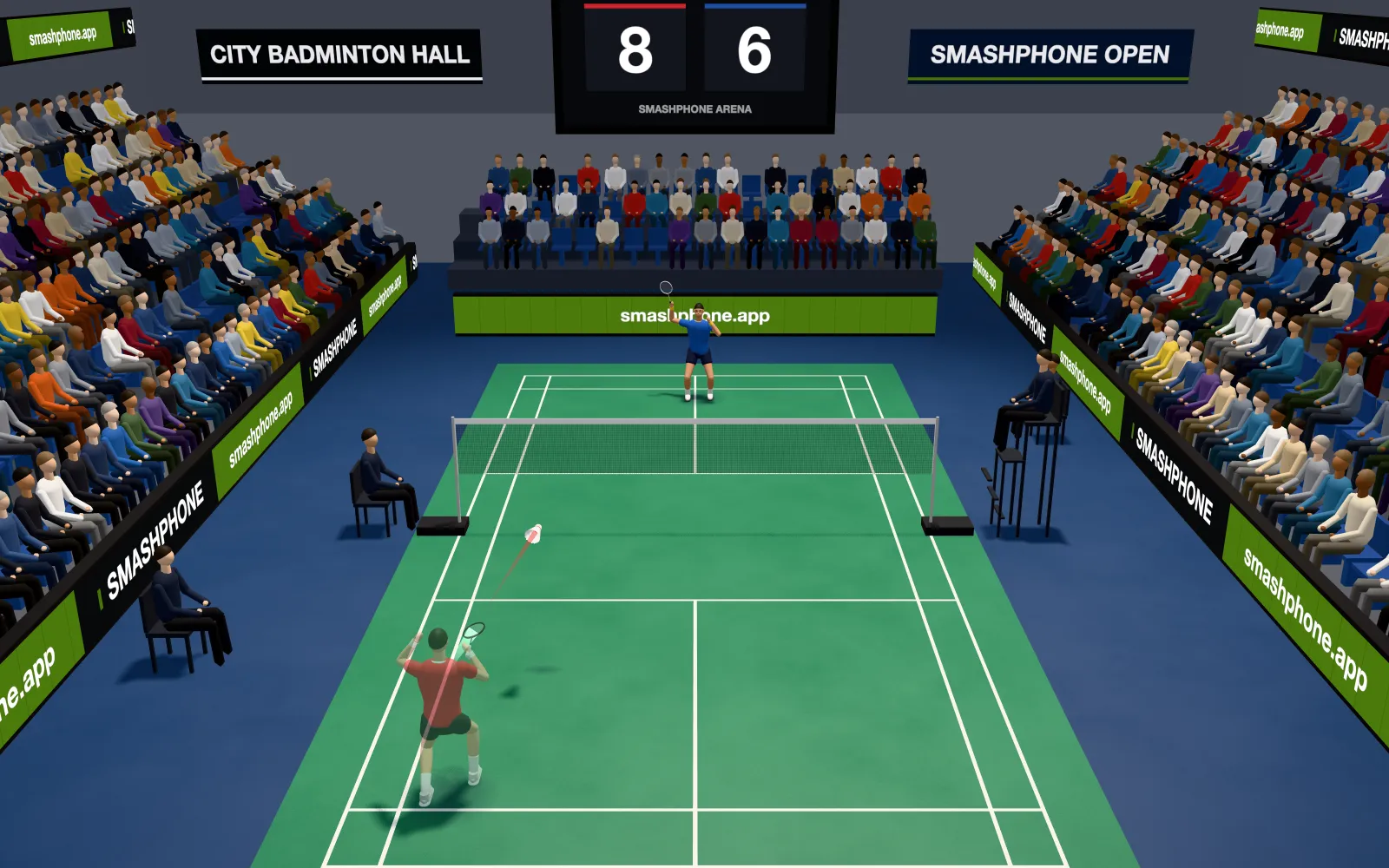
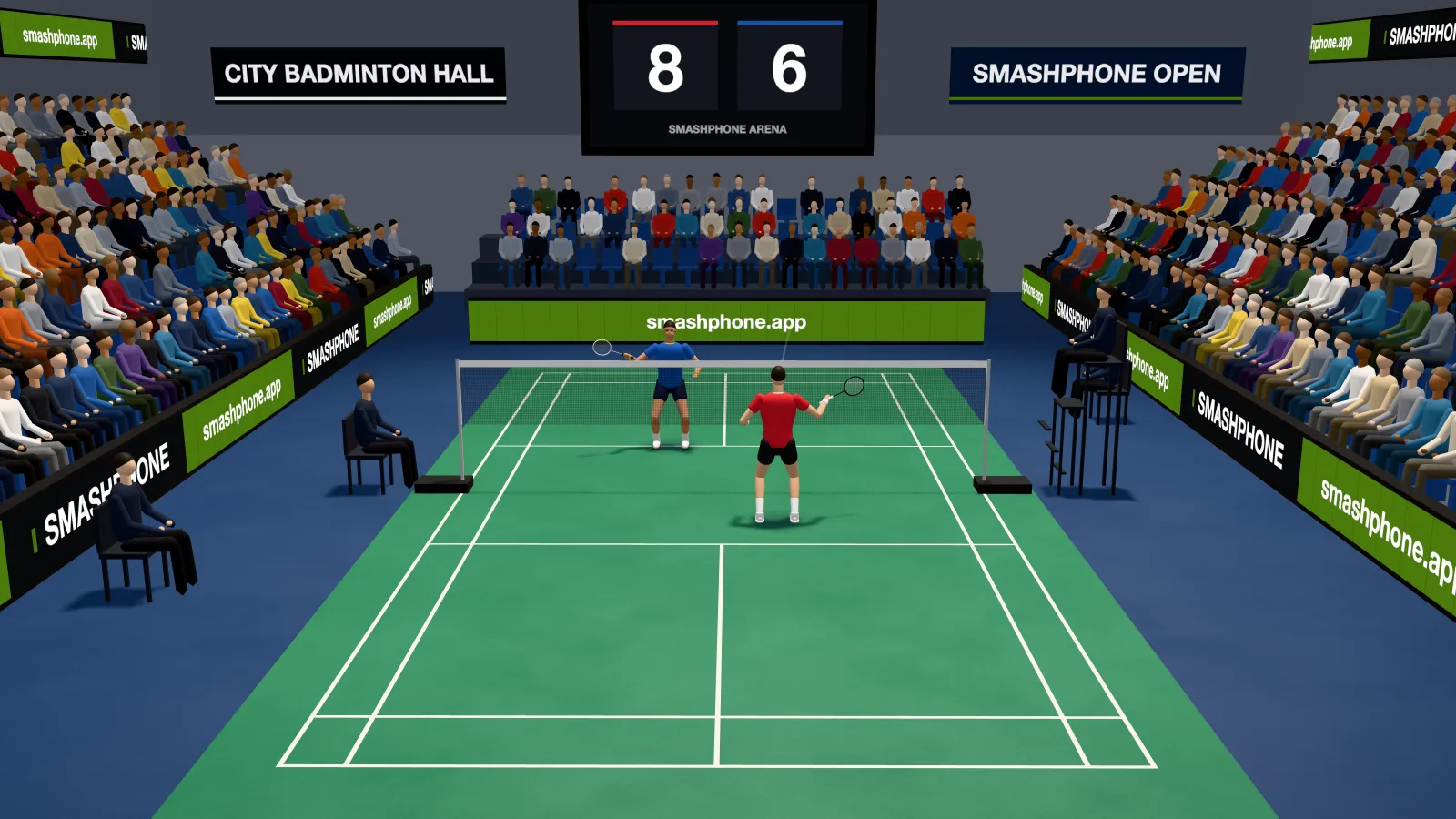
Badminton
SMASH THE BIRDIE.
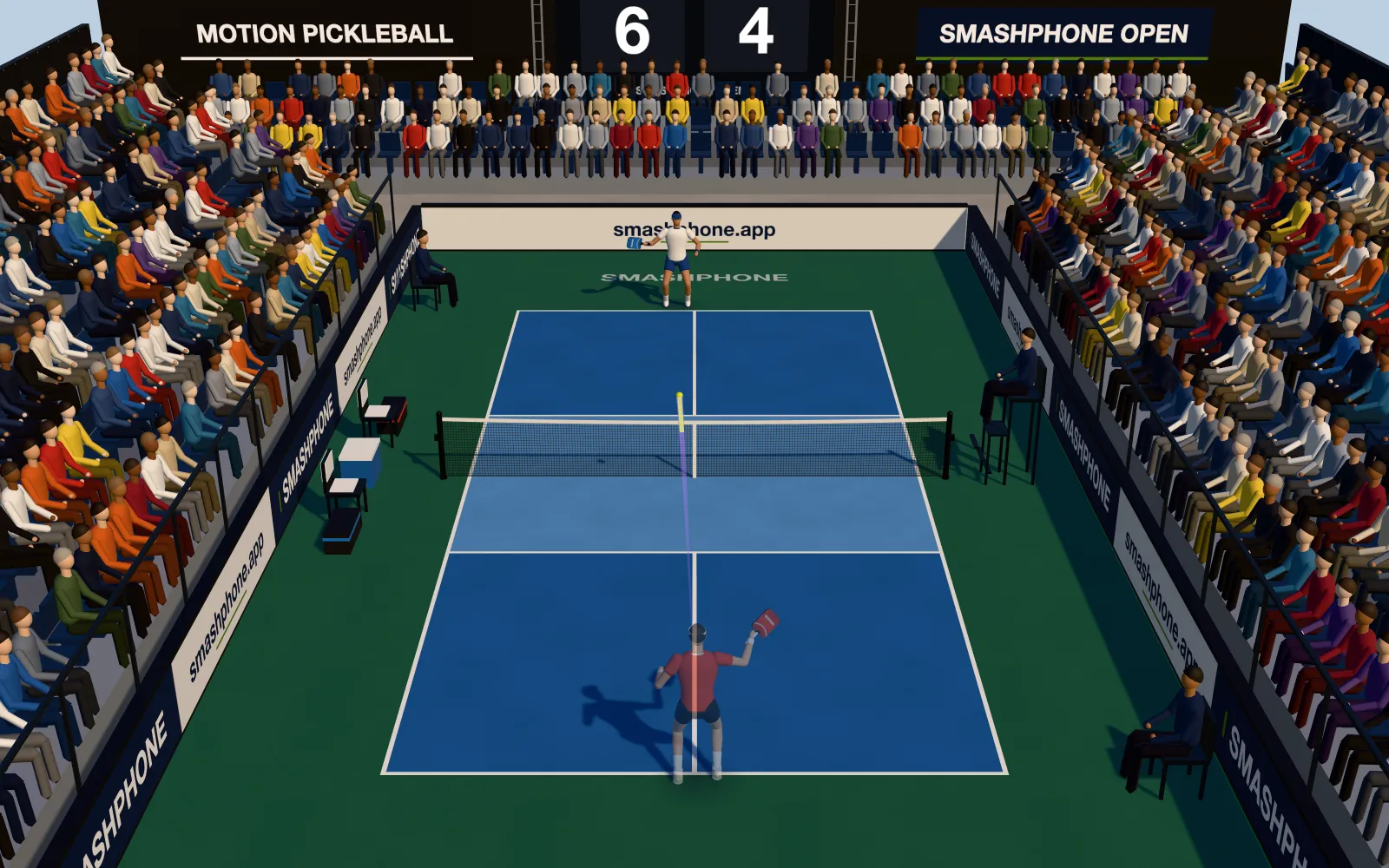
Pickleball
RULE THE COURT.
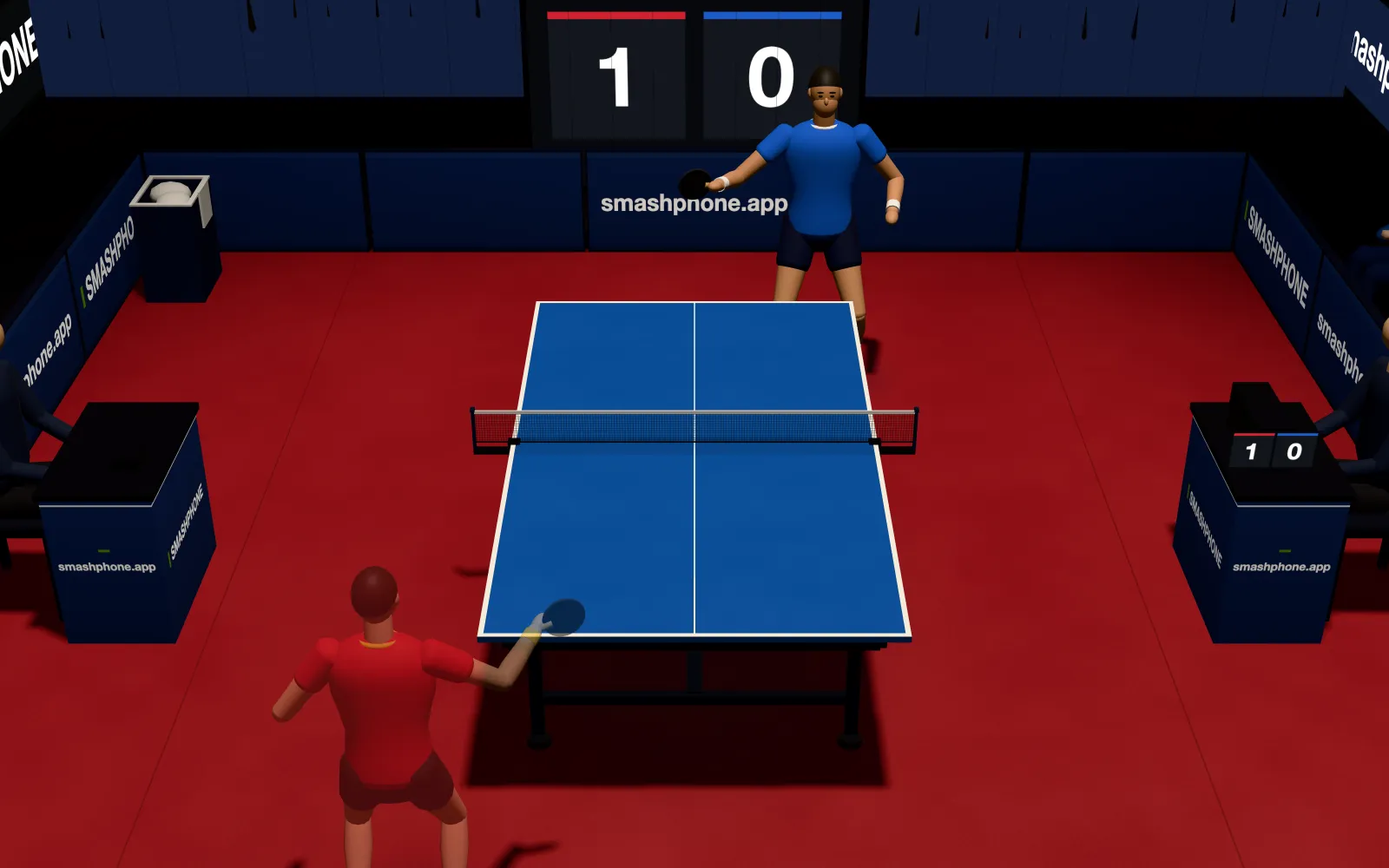
Table Tennis
RULE THE TABLE.
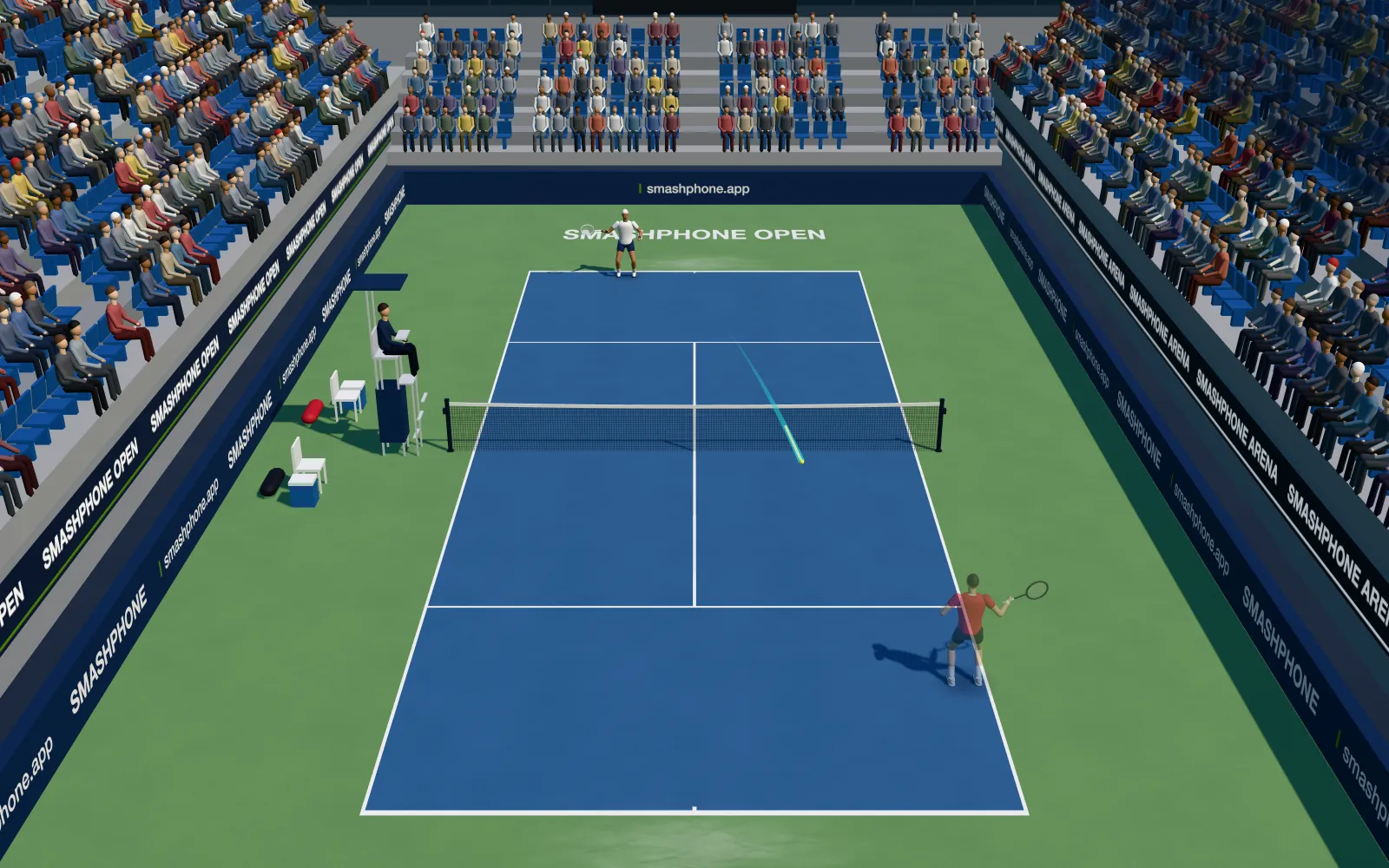
Tennis
OWN THE BASELINE.
Mini-games, too
Balloon Sniper
HOLD YOUR BREATH.Smash Beat
MOVE TO THE BEAT.
The roster keeps growing — every update, another way to swing.
Why it feels right
The ball goes where you swing
No buttons to memorize. Swing up for depth, chop a high ball for a smash, sweep sideways to place it — 100 Hz motion sensing, ~40 ms from wrist to screen.
Zero setup, zero accounts
The phone hosts the game over your local network. Nothing is installed, nothing leaves the room, nobody asks you to log in.
A real opponent or a relentless one
Five CPU tiers — from Rookie, who fumbles once every ten exchanges, to Unbeatable, a wall that digs everything.
Split-screen versus
Flip the match to Versus and your 6-digit code lets Player 2 in as well — they open Smashphone, tap Join with code, and type it. On your Wi-Fi the court splits like a co-op classic: each player gets their own camera and their own end of the arena.
Questions, answered
Do I need a console, or can my phone be the controller?
No. The iPhone in your pocket is the controller — its own motion sensors read the direction and the force of every swing. No extra hardware, nothing to plug in.
How does the phone reach the big screen?
The app shows a 6-digit code. On the screen you want to play on — a laptop, an iPad, the TV in the living room — open smashphone.app and type it in, and the court appears. The phone hosts the match itself, so there is nothing to install on the screen and nothing to pair.
Is it like Wii Sports?
That feeling is exactly what we were chasing: you swing for real and there are no buttons to memorise. The difference is the hardware — no console and no motion remote, just the phone you already carry and a screen you already own.
Which sports can I play?
Today: Badminton, Pickleball, Table Tennis, Tennis, Balloon Sniper, and Smash Beat. Each one is a full game with its own rules, scoring and CPU opponents — not a mini-game.
Can two people play on one screen?
Yes. Switch the match to Versus and the same 6-digit code lets Player 2 in. They open Smashphone, tap Join with code and type it — the court splits, and each player gets their own camera and their own end.
Do I need an Apple Watch?
No, but it works. Strap it on and swing your wrist instead of the phone — the same sensing, with your hands free of the screen.
What do I need to get started?
An iPhone, and any screen with a browser on the same Wi-Fi. No console, no dongle, no smart-TV app, no account — on the same Wi-Fi the match never leaves your network; a friend elsewhere, or quick match, meets you through our relay.
Is quick match against real people?
Yes — whoever else is searching right now, anywhere. If nobody turns up within about a minute, the app seats its own computer opponent so the match still starts.
Seriously: do not smash your phone
Grip tight, use a wrist strap if you have one, and clear the space around you. Phones fly further than shuttlecocks — and only one of them bounces.